Revenue$48,210
Users12,904
Churn1.8%
Export report
 RecGlow
Record your Mac. RecGlow adds the zooms, the smooth cursor, the background and the captions — so every demo looks edited, without editing.
Free during beta · macOS 15 or later
Click anywhere in the window — the camera follows.
Zoom & motion
RecGlow watches where you click while you record, then zooms in on those moments with eased, camera-like moves. You can add, move or delete any zoom on the timeline.
Zooms in where you clicked, and eases back out when you move on.
Shaky mouse paths become a steady glide, with a soft ripple on every click.
Fast pans and cursor moves pick up a natural blur, like footage from a real camera.
A magnifier that follows the cursor when you need a closer look without moving the frame.
Every format
Switch between wide, square and vertical after you record. In vertical, RecGlow crops in and follows your cursor, so text stays big enough to read on a phone. Captions and your camera move out of the way on their own.
Camera
Your webcam is recorded separately, so you can change how it looks after the fact.
Flip the preview to mirrored or true-to-life while you set up. The export matches what you saw.
Corner overlay, side-by-side, cutout or full screen, with smooth transitions between them.
When you stop talking, the camera steps aside and comes back when you speak.
Fourteen color looks, sharpening, and a frame that stays centered on your face.
Captions
Speech is turned into captions on your Mac, in English, Mandarin and Cantonese. Pick a style, fix any word inline, and export an .srt that matches the edited video.
Backgrounds
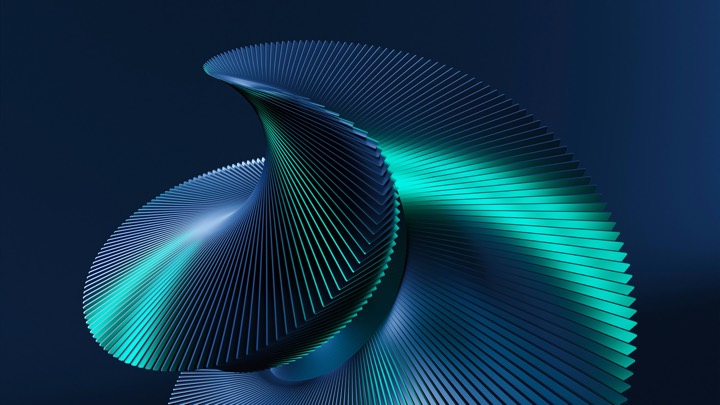
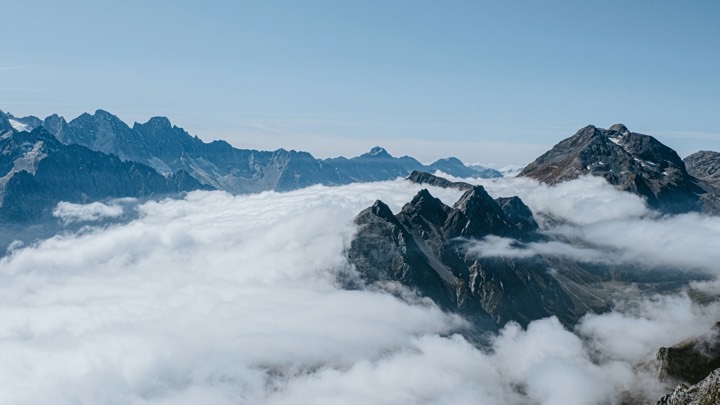
Curves, landscapes, fluid art and 3D shapes in 5K, plus twenty gradients and two dozen solid colors. Star the ones you love and they're always first.














Recording
Record what matters, with your camera, microphone and Mac audio.
Start, stop or pause from anywhere without reaching for the toolbar.
Your recording is written to disk every two seconds. If the app quits or the power goes, it's recovered.
The key combos you press appear as a small badge, so viewers can follow along.
Microphone and system sound are separate tracks. Mute or level each one.
Your talking points stay on screen while you record, and out of the video.
Privacy
No account. No uploads. Recording, captions, voice cleanup, face tracking and export all run on your Mac, and RecGlow works fully offline.
Native
Written in Swift on ScreenCaptureKit, Core Image and Metal. It launches fast, stays light while you record, and updates itself.
RecGlow is free while it's in beta.
Free during beta · macOS 15 or later
Any Mac on macOS 15 Sequoia or later, Apple silicon or Intel.
Yes, during the beta. Paid plans will come later; beta users will hear about them first.
No. Projects are saved in your Movies folder and nothing is uploaded.
Yes. They're licensed for use in the videos you make with RecGlow.
Yes. The app is fully in English and Simplified Chinese, and captions recognise Mandarin and Cantonese.